
 Download the App
If you’ve spent any time browsing profiles on Arif Escort Girls, you’ve probably noticed colorful badges like VIP, Verified, Online and Featured next to certain names. These aren’t just decoration — each one tells you something specific and useful before you even open a escort. This guide breaks down exactly what each badge means, how our search and filters work, and the fastest way to reach out once you’ve found someone you’d like to contact.
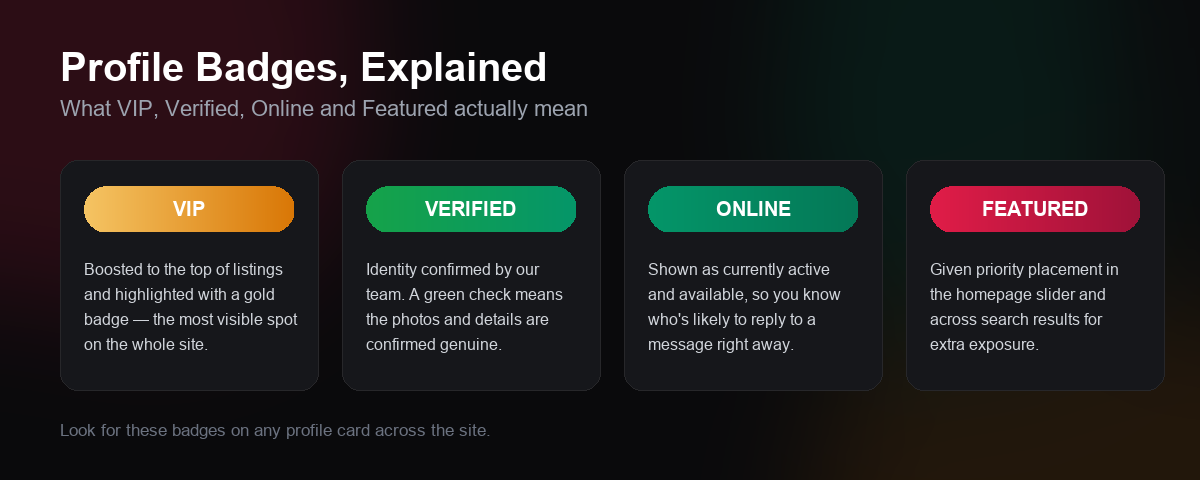
What Does the VIP Badge Mean?
A gold VIP badge means that escort has purchased premium placement on the site. VIP escorts are boosted to the top of search results and featured in dedicated homepage sections, so they get the most visibility. It’s a placement upgrade, not a rating — but it’s a good sign that the escort is actively investing in staying visible and up to date.
You can browse every current VIP escort here: All VIP escorts.
What Does the Verified Badge Mean?
A green Verified checkmark means our team has personally confirmed the escort’s identity and photos. It’s one of the clearest trust signals on the site — if you care about knowing a profile is genuine before reaching out, this is the badge to look for.
Browse only confirmed profiles here: All Verified escorts.
What Does the Online Badge Mean?
The green Online indicator shows which escorts are currently active on the site. It’s the quickest way to spot who’s likely to see your message and reply right away, rather than reaching out to someone who may not check in again for a while.
See who’s online right now: All Online escorts.
What Does the Featured Badge Mean?
A pink Featured badge marks escorts given extra priority placement, including rotation through the homepage slider. Like VIP, it’s a visibility upgrade — a Featured escort has chosen to stand out from the rest of the listings.
How to Search and Filter escorts
Beyond the badges, our advanced search page lets you filter by location, appearance and more to narrow things down quickly. On any individual profile, you’ll also notice that details like ethnicity, hair color and services offered are clickable — tapping one instantly shows you every other escort who matches that same trait, without needing to build a search manually.
How to Contact a escort Directly
Once you’ve found someone you’re interested in, contact options are right there on their profile: phone, WhatsApp and Telegram buttons sit directly under their name for one-tap access, with the same options repeated further down in the Contact Info section. Look for the same three icons in the floating button on the left edge of every page if you’d rather reach out to the site directly first.
Ready to Browse?
Now that you know what each badge means, head over to all escorts and start exploring — or jump straight to the homepage to see who’s currently Online, VIP and Featured today.
No one commented yet. Be the first.